
Article to Video
Turn a blog post, article link or document into a narrated explainer video with captions. Preview it first, then get the 1080p MP4 and SRT.
A narrated 1080p MP4 video (H.264/AAC, 30 fps, no watermark) built from your text.
Learning video tools, recording a voiceover and syncing captions by hand.
See what you get
A sample made with Article to Video. Narration is an AI-generated voice.
Pick a template
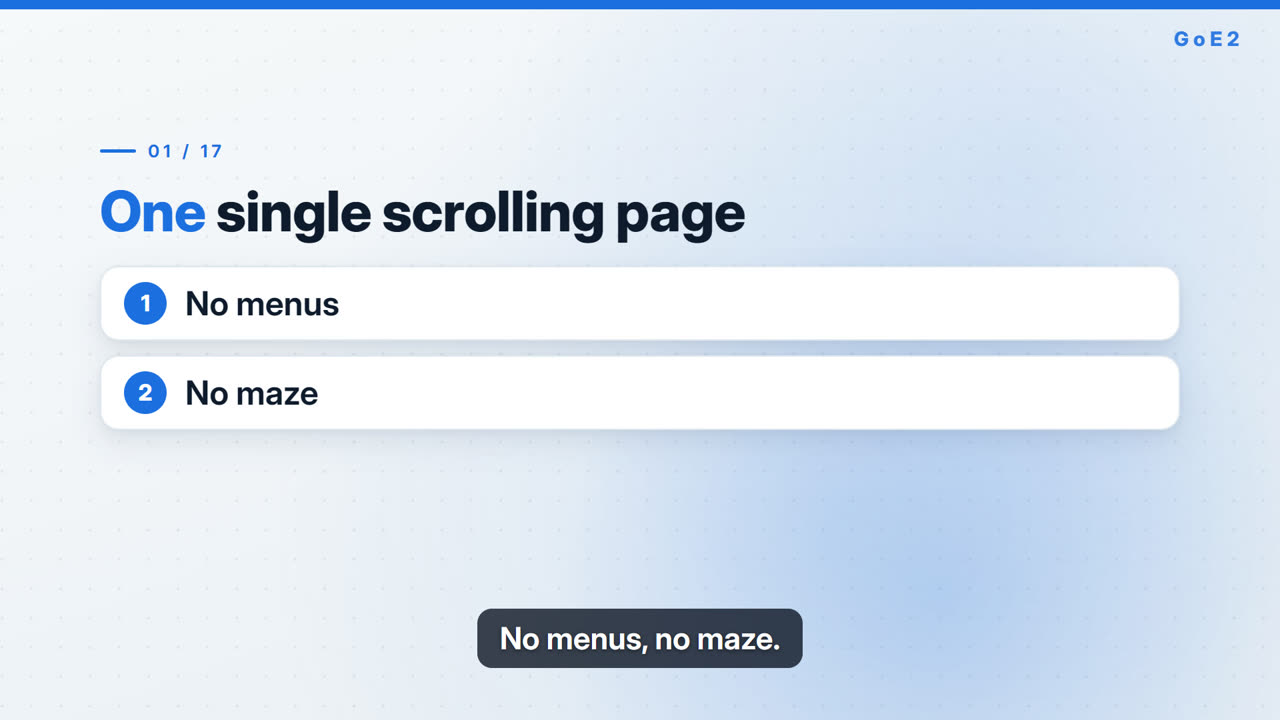
Clean 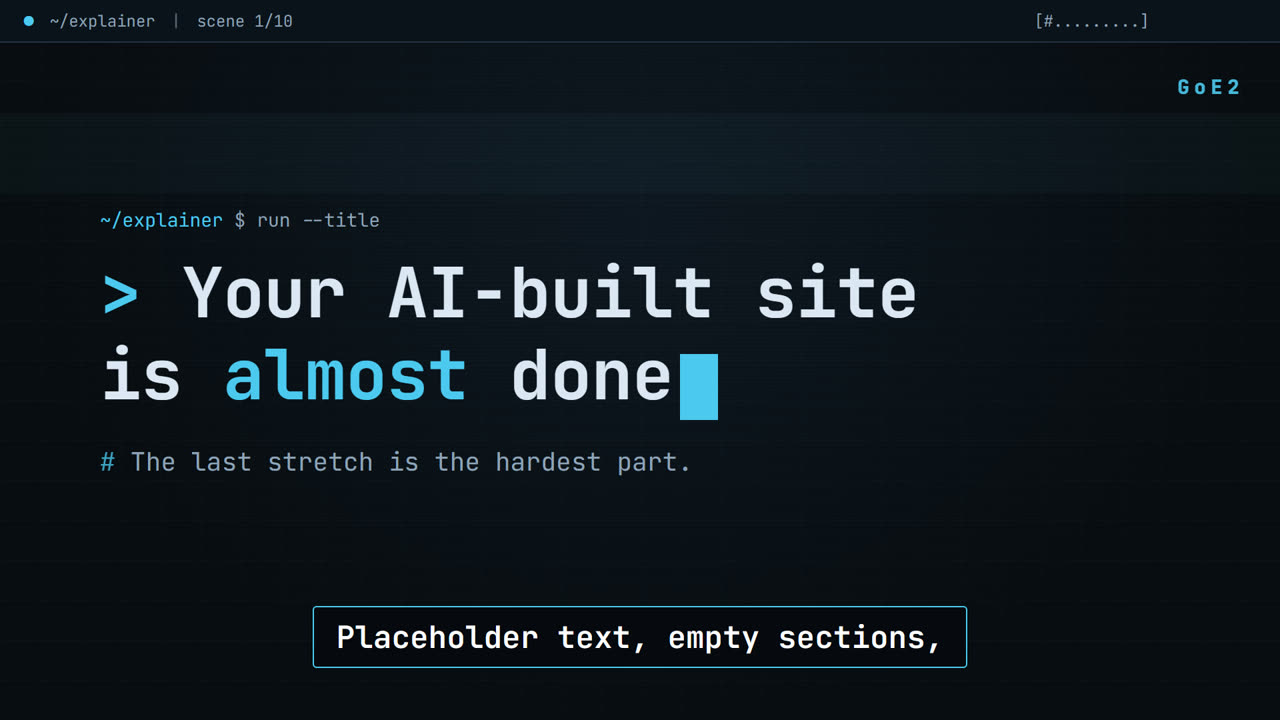
Terminal 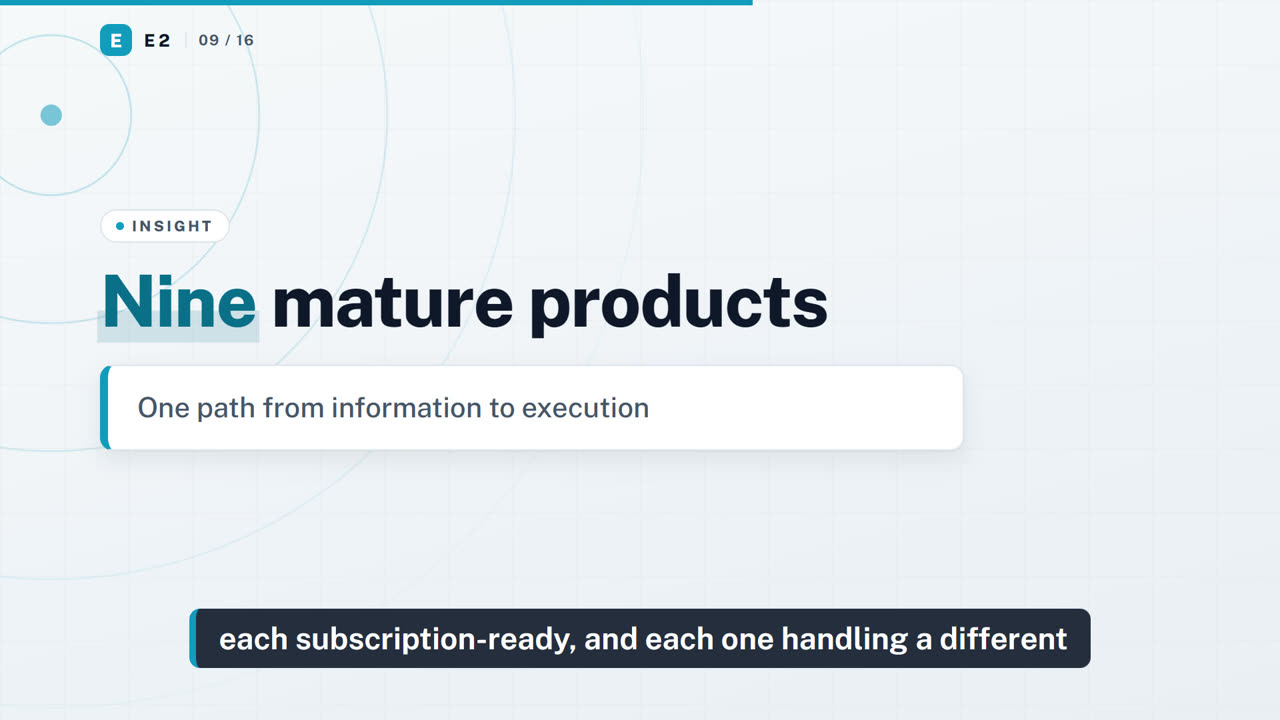
Signal 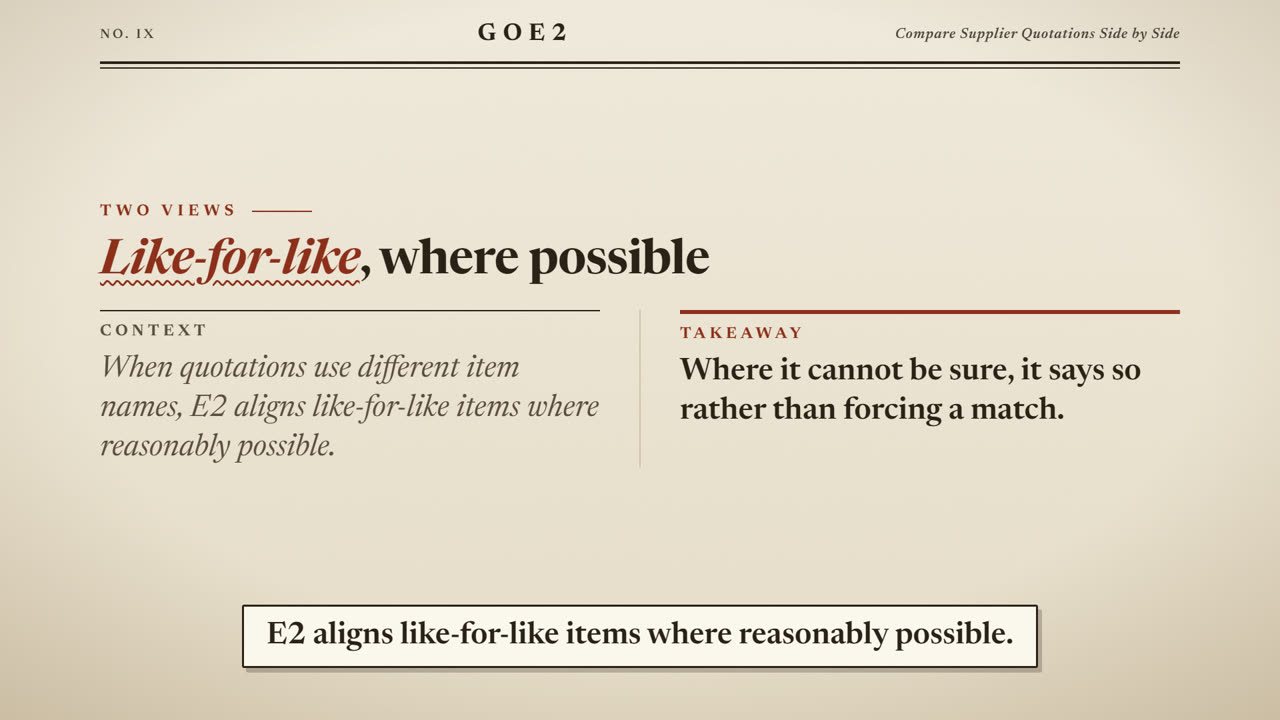
Paper
Hear the voices
- US female
- US male
- UK female
- UK male
Narration is an AI-generated voice.
Your first video is free — use code FIRSTVIDEO. Redeem it in your free My E2 account, then choose E2 Credits at checkout.
Use E2 when
- You have a blog post, newsletter or document and want a narrated video of it.
- You want to see a preview before you accept, and pay only a small fixed price per video.
Not the right fit when
- A presenter or avatar on screen.
- Stock footage or AI-generated pictures.
- Narration in languages other than English (ask E2 about other languages).
- Edits after you accept, except one free revision for factual errors in the narration.
- Articles behind a login or paywall (paste the text instead).
What you provide
- Your article: a public link, pasted text (300 to 6,000 words) or one document. Use just one of these.
- Your choices: template, voice, vertical or landscape, short or standard length, captions and music on or off.
- Optional: your brand name for the corner, a button text and link for the last scene, a logo and up to 6 images (name your logo file with the word "logo").
- An email address for the order link and the finished video.
Accepted Article link, Pasted text, PDF, DOCX, TXT, MD · A public article link, or pasted text of 300 to 6,000 words, or one document (PDF, DOCX, TXT or MD, up to 10 MB). Optional logo (PNG, JPG or SVG, up to 2 MB) and up to 6 images (JPG or PNG, up to 5 MB each).
What comes back
- A narrated 1080p MP4 video (H.264/AAC, 30 fps, no watermark) built from your text.
- An SRT captions file with the same words, synced to the voice.
- A short preview you can watch before you accept; the full files unlock when you accept.
What counts as done
- The video narrates your submitted text faithfully, with no invented facts.
- It uses the template, voice and orientation you chose.
- A title scene comes first and your button scene comes last, if you asked for one.
- Captions are synced to the voice and music sits under it, if you chose them.
- Your logo is in the corner, if you sent one.
What's not included
Clear boundaries keep the outcome honest.
- A presenter or avatar on screen.
- Stock footage or AI-generated pictures.
- Narration in languages other than English (ask E2 about other languages).
- Edits after you accept, except one free revision for factual errors in the narration.
- Articles behind a login or paywall (paste the text instead).
What the result can look like
A 900-word blog post becomes a 2 minute 40 second narrated explainer in the Clean template with a US female voice: title scene, one scene per section, a closing button scene, burned-in captions, an MP4 and an SRT.
- Preview watched end to end
- Captions synced at three spots
- Facts match your text
- Voice and template as chosen
Your files stay yours.
Your article, links and files are used only to make this video. They are stored privately, never sold or used to train AI, processed only by approved tools for this job (including a text-to-speech service that turns your text into the narration), and deleted 30 days after completion unless you delete them earlier from your order page. Privacy policy
Questions people ask
How long does it take?
Within 24 hours. You get an email when your preview is ready to watch.
What if my link is behind a login or a paywall?
E2 can only read public pages. If the page is not public, paste the text or upload the document instead.
Which languages are supported?
Narration is in English in this version. If you need another language, tell E2 before ordering.
Can I change something after I see the preview?
Yes. One free revision is included for changed text, voice or template within 7 days, and for factual errors in the narration. It counts as the same order.
Who owns the video?
You do. Use it wherever you like.
Is the voice a real person?
Narration is an AI-generated voice. It is a synthetic voice, not a recording of a person.
What file formats can I send?
A public link, pasted text, or one PDF, DOCX, TXT or MD document up to 10 MB. Optional logo (PNG, JPG or SVG) and up to 6 JPG or PNG images.
What do I get, and when can I download it?
A 1080p MP4 (no watermark) and an SRT captions file. You can watch a 480p preview first; the full files unlock when you accept the result.
SKU article-to-video · Page last reviewed 17 October 2026 · Prices in SGD.